 Image 1 of 1
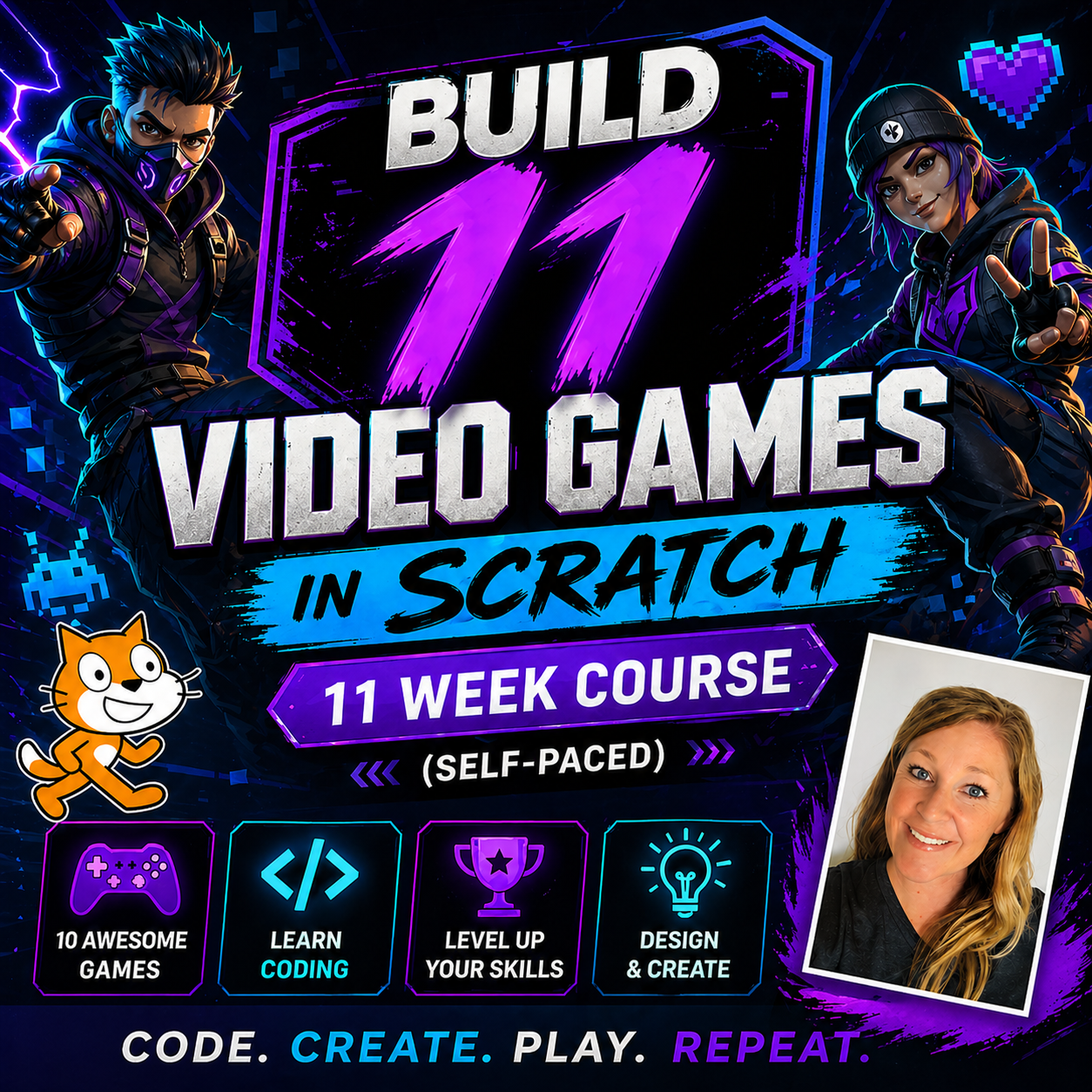
In this fun, beginner-friendly coding class, students will learn how to create their very own themed video game using Scratch! Each week we build a new game, with a new theme, and different coding techniques!
Schedule:
Week 1: Intro to Scratch Tutorial
Week 2: Make a Flying Mario Game
Week 3: Make a Minecraft Bouncing Game
Week 4: Make a Pokemon Ping Pong Game
Week 5: Make a Donkey Kong Lava Game
Week 6: Make a Roblox Game
Week 7: Make an Among Us Game
Week 8: Make a Mario Verses Bowser Game
Week 9: Make a Sonic Verses Robotnic
Week 10: Make a Star Wars Flying Game
Week 11: Make a Fortnite Game
In this self-paced class, students will follow along with step-by-step video lessons (about 45 minutes long) to design and code a fun game based on a popular theme. Most students spend around 60 minutes completing the project as they pause, rewind, and build at their own pace.
By the end of each class, your child will have built a complete game where their character can move, interact with objects, and complete a fun challenge—just like a real video game. This class is perfect for kids who love video games and want to learn how to create their own!
In all of our video game classes, students learn a wide variety of coding skills and techniques—but instead of focusing on the technical side, we focus on building fun, themed games. Kids stay engaged and excited, and along the way they naturally learn important coding concepts without even realizing it.
What we will do in this class:
-Learn the basics of Scratch coding in a simple, easy-to-follow way
-Create and control a character
-Add movement, interactions, and game mechanics
-Design obstacles, challenges, and goals
-Build a complete, playable game from start to finish
Why students love this class:
-They get to make a real game they can play and share
-Step-by-step instructions make it easy for beginners
-Fun, engaging project keeps kids motivated
-Encourages creativity and problem-solving
Class format:
This is a self-paced class, which means there are no live meetings. Students can complete the lesson anytime that works for them.
-Step-by-step instructional video (~45 minutes)
-Estimated completion time: ~60 minutes
-Students can pause, rewind, and learn at their own pace
Technology & setup (please read before starting):
-A computer or laptop is required (Scratch does not work well on tablets)
-Students will use a web browser and a Scratch “starter pack” (link provided with each lesson)
-Please create a free Scratch account before starting so projects can be saved
-Students will need two screens:
-One to watch the lesson (tablet or computer)
-One to build their game (computer with keyboard required)
-We will not be using Scratch Jr. or any mobile apps
Note: Students with no prior Scratch experience may benefit from some light parent support when getting started.
Teacher support:
I am available to answer questions and help students if they get stuck. Feel free to message me anytime during the course!
If your child loves video games and wants to learn how to create their own, this is the perfect place to start!
In this fun, beginner-friendly coding class, students will learn how to create their very own themed video game using Scratch! Each week we build a new game, with a new theme, and different coding techniques!
Schedule:
Week 1: Intro to Scratch Tutorial
Week 2: Make a Flying Mario Game
Week 3: Make a Minecraft Bouncing Game
Week 4: Make a Pokemon Ping Pong Game
Week 5: Make a Donkey Kong Lava Game
Week 6: Make a Roblox Game
Week 7: Make an Among Us Game
Week 8: Make a Mario Verses Bowser Game
Week 9: Make a Sonic Verses Robotnic
Week 10: Make a Star Wars Flying Game
Week 11: Make a Fortnite Game
In this self-paced class, students will follow along with step-by-step video lessons (about 45 minutes long) to design and code a fun game based on a popular theme. Most students spend around 60 minutes completing the project as they pause, rewind, and build at their own pace.
By the end of each class, your child will have built a complete game where their character can move, interact with objects, and complete a fun challenge—just like a real video game. This class is perfect for kids who love video games and want to learn how to create their own!
In all of our video game classes, students learn a wide variety of coding skills and techniques—but instead of focusing on the technical side, we focus on building fun, themed games. Kids stay engaged and excited, and along the way they naturally learn important coding concepts without even realizing it.
What we will do in this class:
-Learn the basics of Scratch coding in a simple, easy-to-follow way
-Create and control a character
-Add movement, interactions, and game mechanics
-Design obstacles, challenges, and goals
-Build a complete, playable game from start to finish
Why students love this class:
-They get to make a real game they can play and share
-Step-by-step instructions make it easy for beginners
-Fun, engaging project keeps kids motivated
-Encourages creativity and problem-solving
Class format:
This is a self-paced class, which means there are no live meetings. Students can complete the lesson anytime that works for them.
-Step-by-step instructional video (~45 minutes)
-Estimated completion time: ~60 minutes
-Students can pause, rewind, and learn at their own pace
Technology & setup (please read before starting):
-A computer or laptop is required (Scratch does not work well on tablets)
-Students will use a web browser and a Scratch “starter pack” (link provided with each lesson)
-Please create a free Scratch account before starting so projects can be saved
-Students will need two screens:
-One to watch the lesson (tablet or computer)
-One to build their game (computer with keyboard required)
-We will not be using Scratch Jr. or any mobile apps
Note: Students with no prior Scratch experience may benefit from some light parent support when getting started.
Teacher support:
I am available to answer questions and help students if they get stuck. Feel free to message me anytime during the course!
If your child loves video games and wants to learn how to create their own, this is the perfect place to start!